Many online Excel barcode tutorials suggest fetching image URLs from free web APIs (such as https://api.qrserver.com/...). While convenient, this approach is dangerous in enterprise environments: it fails when the PC is offline, exposes sensitive serial numbers to third-party servers, and lags significantly when rendering thousands of rows.
Generating barcodes completely offline inside Excel guarantees security, zero latency, and infinite portability.
Method 1: TrueType Barcode Fonts (Code 39 & Code 128)
For standard 1D linear barcodes, the simplest method is installing specialized fonts:
- Code 39: Install the free Libre Barcode 39 font. Formula: wrap your text in asterisks:
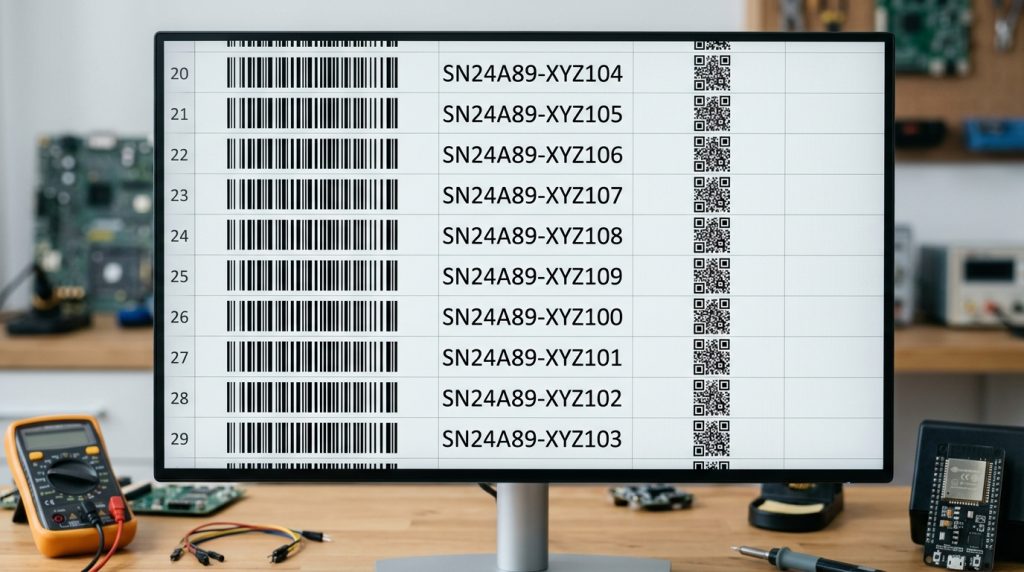
="*" & A2 & "*"Apply the barcode font to the cell to display a scannable linear barcode.
- Code 128: Requires start/stop characters and a modulo-103 checksum calculated via a simple VBA function before applying Libre Barcode 128.
Method 2: Pure VBA / Shape Engine for 2D QR Codes
Because QR codes and DataMatrix are 2D matrices, they cannot be rendered via simple text fonts. Using an open-source standalone VBA module (such as FastQRCode), Excel directly calculates the Reed-Solomon error correction matrix and draws pure vector shape rectangles inside the cell, completely offline and scalable for laser printing.