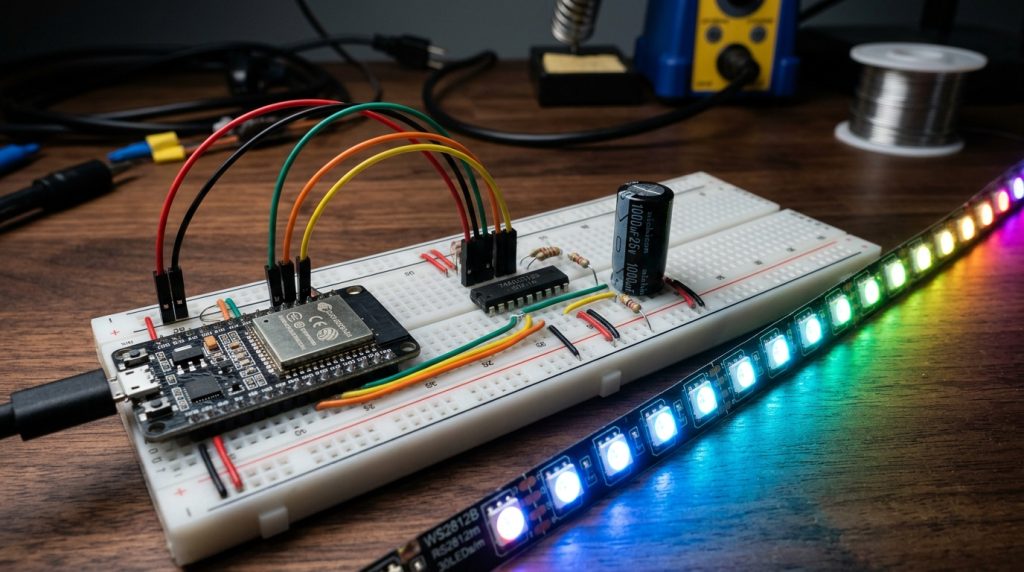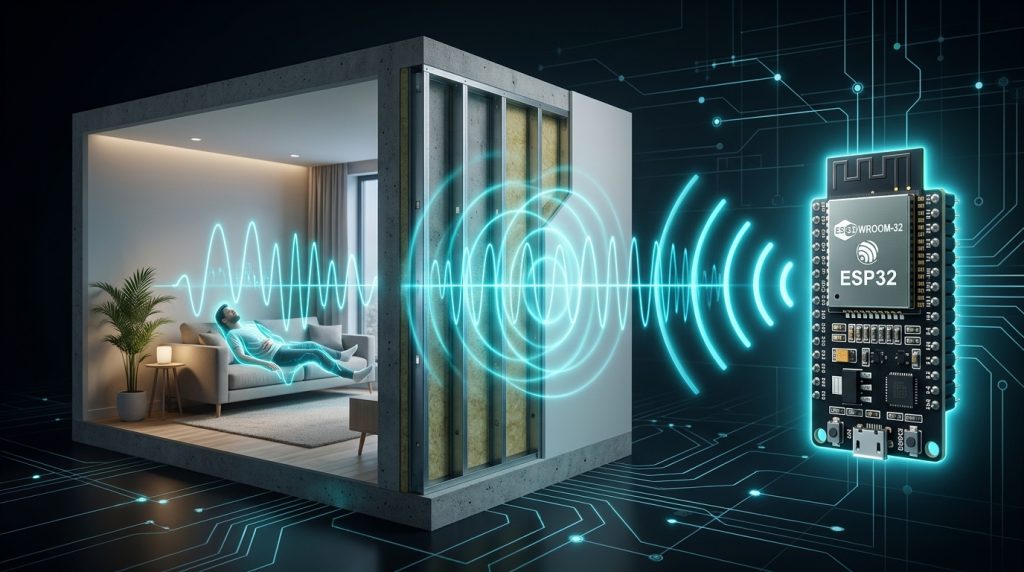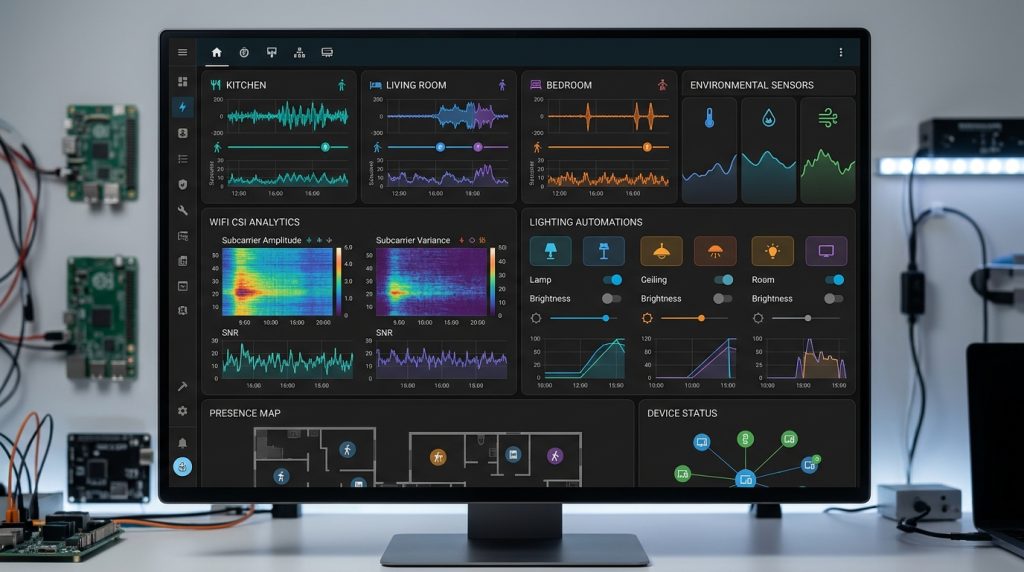
Having explored the physics of Wi-Fi Channel State Information in our ESPEctre Architectural Analysis, it is time to build a fully functional, zero-hardware presence sensor. In this tutorial, we configure an ordinary ESP32 development board using the ESPEctre ESPHome external component and integrate live through-wall motion entities directly into Home Assistant.
Prerequisites and Hardware Selection
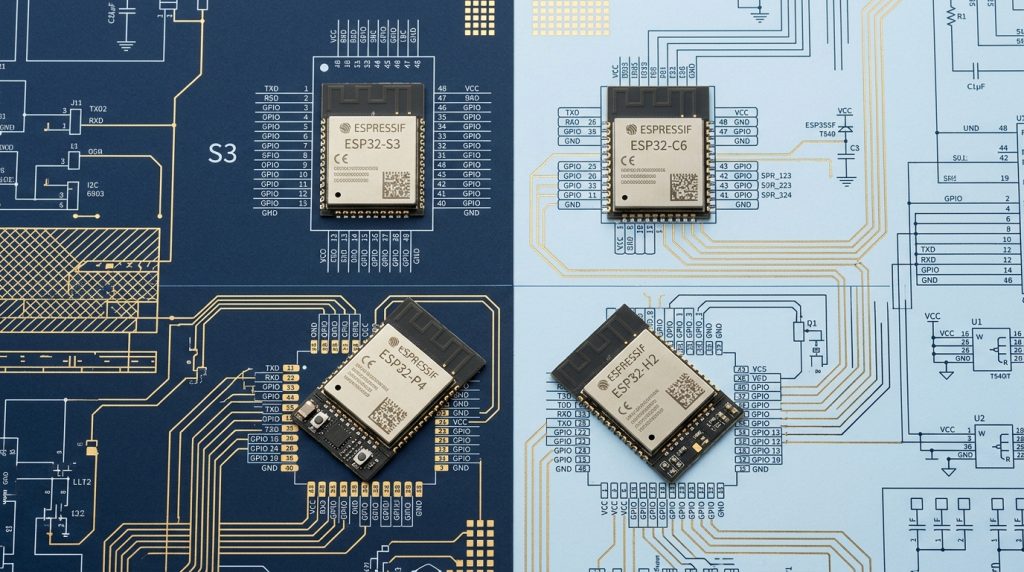
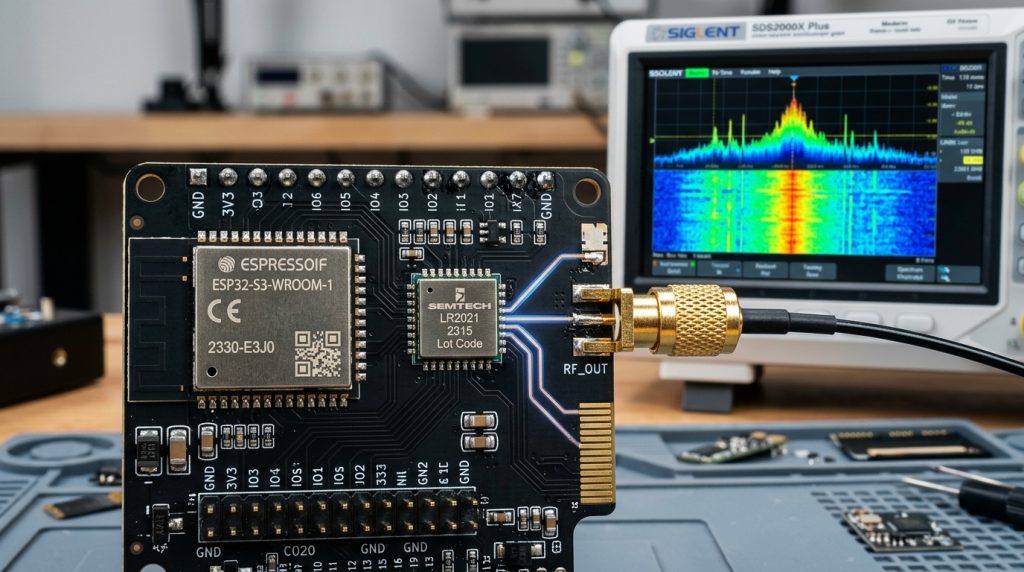
- Target Microcontroller: Standard ESP32-WROOM-32 or ESP32-S3. An external antenna connector (U.FL/IPEX) is strongly recommended for directional through-wall targeting.
- Wi-Fi Network: A standard 2.4 GHz 802.11b/g/n router broadcasting a fixed channel (disable channel auto-hop on your router).
- Home Assistant Instance: Running the ESPHome add-on.
ESPHome Configuration YAML
Create a new device in ESPHome and paste the following production-tested configuration:
esphome:
  name: wifi-csi-sensor
  friendly_name: "Through-Wall CSI Presence"

esp32:
  board: esp32dev
  framework:
    type: esp-idf

external_components:
  - source:
      type: git
      url: https://github.com/francescopro/espectre
      ref: main
    components: [ espectre ]

wifi:
  ssid: !secret wifi_ssid
  password: !secret wifi_password
  power_save_mode: none

# ESPEctre Wi-Fi CSI Detection Engine
espectre:
  id: my_csi
  ping_interval: 20ms
  filter_threshold: 0.25
  breathing_detection: true

binary_sensor:
  - platform: espectre
    name: "Room Presence Detected"
    type: presence
    device_class: occupancy

  - platform: espectre
    name: "Respiration Detected"
    type: breathing
    device_class: motion

sensor:
  - platform: espectre
    name: "CSI Subcarrier Variance"
    type: variance
    unit_of_measurement: "var"
Calibration and Sensitivity Tuning
Once flashed, leave the room completely empty for 60 seconds. Observe the CSI Subcarrier Variance sensor in Home Assistant:
- Baseline Noise Floor: In an empty room, variance typically hovers between 0.05 and 0.12.
- Presence Threshold: Set
filter_thresholdto approximately 0.20 – 0.25. When a human walks through the room, variance will jump to 0.80 – 2.50, triggering instant presence detection. - Breathing Threshold: When sitting completely still, variance registers around 0.18 – 0.28 with a rhythmic 0.25 Hz sine wave, maintaining active presence lock.