The smart home landscape is experiencing its most significant architectural shift in a decade: the rapid convergence toward Matter as the universal application layer and Thread as the resilient, low-power mesh networking standard. Unlike Wi-Fi devices that congest home access points or Zigbee devices tied to vendor-locked hubs, Thread provides self-healing, IPv6-addressable connectivity with instantaneous response times and battery life measured in years.
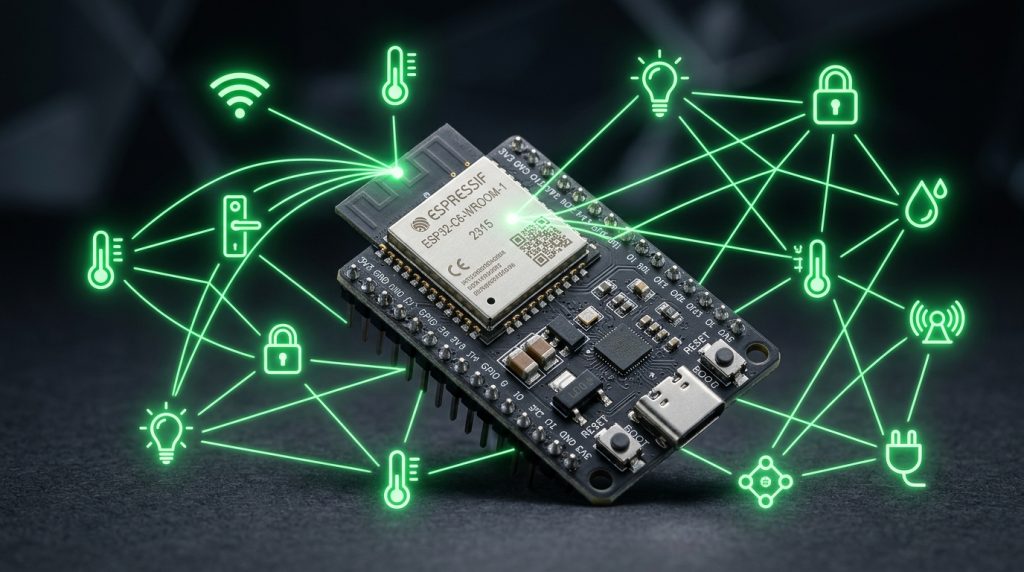
To bridge low-power Thread end-devices (such as door sensors and smart radiator valves) to your local IP network, you need a Thread Border Router (TBR). While commercial hubs can be expensive and closed-source, the Espressif ESP32-C6 microcontroller natively integrates both 2.4 GHz Wi-Fi 6 and an IEEE 802.15.4 radio on a single RISC-V silicon die, allowing you to build your own high-performance OpenThread Border Router (OTBR) for under $5.
Thread vs Zigbee: Why Matter Demands Thread Border Routers
While both Zigbee and Thread operate over the same physical IEEE 802.15.4 radio layer at 2.4 GHz, their software stacks diverge completely at the network layer:
| Networking Feature | Traditional Zigbee 3.0 | Thread (Matter Standard) |
|---|---|---|
| Network Layer Protocol | Proprietary 16-bit Short Addresses | Native IPv6 (6LoWPAN) |
| Gateway Dependency | Requires application-layer gateway translation | Transparent IP routing via Thread Border Router |
| Single Point of Failure | Yes (If coordinator fails, network collapses) | No (Multiple Border Routers provide instant failover) |
| Multi-Admin Control | Locked to one coordinator / software instance | Matter Multi-Admin (Apple, Google, Home Assistant simultaneously) |
| Sleepy End Device Latency | Periodic polling (250ms – 1000ms delay) | Synchronized Sleepy End Devices (<50ms response) |
ESP32-C6 Hardware Architecture for Border Routing
The ESP32-C6 is Espressif’s first SoC featuring a high-performance single-core 32-bit RISC-V CPU clocked up to 160 MHz. Its radio subsystem combines:
- IEEE 802.15.4 Transceiver: Native hardware support for Thread and Zigbee with -100 dBm receiver sensitivity.
- Wi-Fi 6 (802.11ax): Target Wake Time (TWT) and OFDMA support for clean, interference-free Wi-Fi uplink.
- Coexistence Arbiter: Hardware-level RF arbitration between Wi-Fi and 802.15.4 over a shared 2.4 GHz ceramic antenna.
Two Architectural Approaches: RCP vs Standalone TBR
When deploying an ESP32-C6 as a Thread Border Router, you can choose between two configurations:
- Radio Co-Processor (RCP): The ESP32-C6 runs only the physical 802.15.4 radio layer, connecting via USB to a Home Assistant host (Raspberry Pi or mini PC) running the official OpenThread Border Router (OTBR) add-on.
- Standalone Wi-Fi Border Router: The ESP32-C6 runs the full OpenThread stack, acting as a standalone wireless bridge that connects to your home Wi-Fi and advertises Thread credentials over mDNS.
Building and Flashing the OpenThread RCP Firmware
The most robust architecture for Home Assistant is the OpenThread RCP mode. You can flash the pre-compiled RCP firmware directly from your browser using Chrome and Espressif’s Web Flasher, or build it using ESP-IDF v5.1+:
# Clone Espressif ESP-IDF repository
git clone --recursive https://github.com/espressif/esp-idf.git
cd esp-idf
./install.sh esp32c6
. ./export.sh

# Navigate to the OpenThread RCP example
cd examples/openthread/ot_rcp
idf.py set-target esp32c6
idf.py build

# Flash to ESP32-C6 over USB serial
idf.py -p /dev/ttyUSB0 flash
Configuring Home Assistant OpenThread Border Router Add-on
Once flashed, plug the ESP32-C6 into your Home Assistant server’s USB port:
- Navigate to Settings > Add-ons > OpenThread Border Router in Home Assistant.
- In the add-on configuration tab, set the serial device to
/dev/serial/by-id/usb-Espressif_ESP32-C6...at 460800 baud. - Enable Hardware Flow Control if your board supports CTS/RTS pins, or disable it for simple 2-wire UART.
- Start the add-on. Home Assistant will automatically create an IPv6 Thread mesh network and store the network dataset securely.
- In the Home Assistant companion mobile app on your smartphone, enable Thread credential sharing so your phone can commission Matter-over-Thread accessories effortlessly.
Ensuring Rock-Solid 2.4 GHz RF Coexistence
- Wi-Fi and Thread Channel Separation: The 2.4 GHz spectrum accommodates both Wi-Fi and Thread. To eliminate packet collisions, set your 2.4 GHz Wi-Fi router to Channel 1 or 6, and configure your Thread network to Channel 25 or 26 (which sits outside the standard Wi-Fi channel masks).
- Antenna Placement: Use an ESP32-C6 board with an external IPEX/U.FL connector and dipole antenna if you are installing the border router inside an electrical enclosure or server rack.