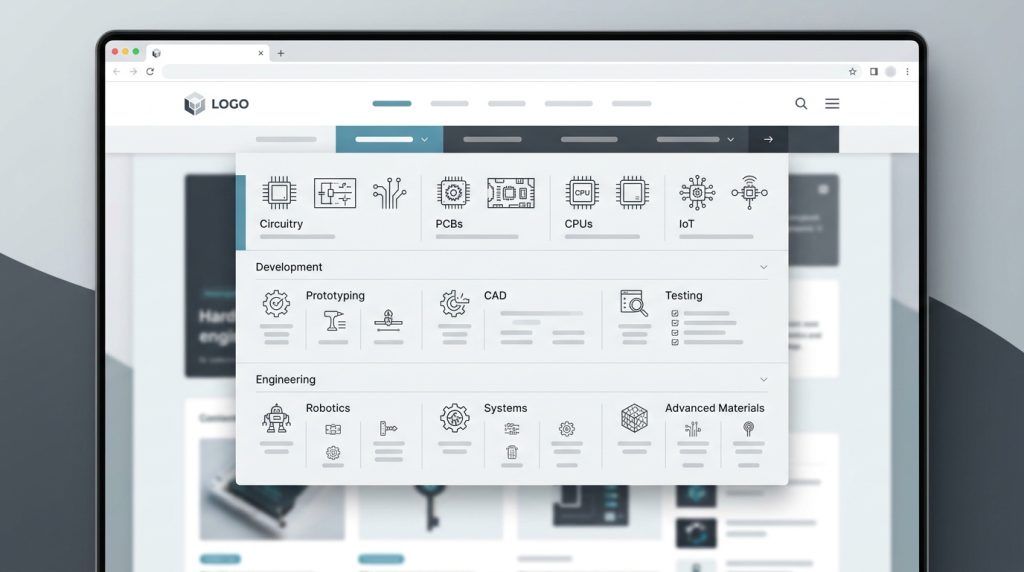
As a technical blog or publication grows beyond dozens of articles, flat navigation menus become cluttered and overwhelming. Organizing your content into logical, multi-tier hierarchical parent-child category trees (e.g., Hardware > Microcontrollers > ESP32) allows visitors to browse related documentation effortlessly while dramatically boosting search engine crawlability and internal link equity.
Setting Up Parent and Child Categories
- Go to Posts > Categories.
- Create your broad parent categories (e.g.,
IoT & Electronics,3D Printing,Software). - When creating subcategories, select the appropriate Parent Category from the dropdown menu (e.g., set
ESP32underIoT & Electronics).
Building Nested Menus in WordPress Admin
- Navigate to Appearance > Menus.
- In the left-hand column under Categories, click View All and check all your parent and subcategory items. Click Add to Menu.
- To nest a subcategory beneath a parent, simply drag the menu item slightly to the right until it indents. WordPress will automatically render it as a child item (dropdown).
- For multi-language sites powered by Polylang, create dedicated menu instances for both English and Turkish and assign them to their respective theme location hooks.