In standard Fused Deposition Modeling (FDM) 3D printing, the “45-degree rule” has been an immutable law of physics for decades. Any geometric overhang exceeding 45 to 60 degrees relative to the vertical Z axis inevitably droops, strings, or collapses entirely unless propped up by sacrificial support structures. Yet support material wastes expensive filament, dramatically extends print times, and leaves scarred, ugly contact surfaces that require tedious post-processing.
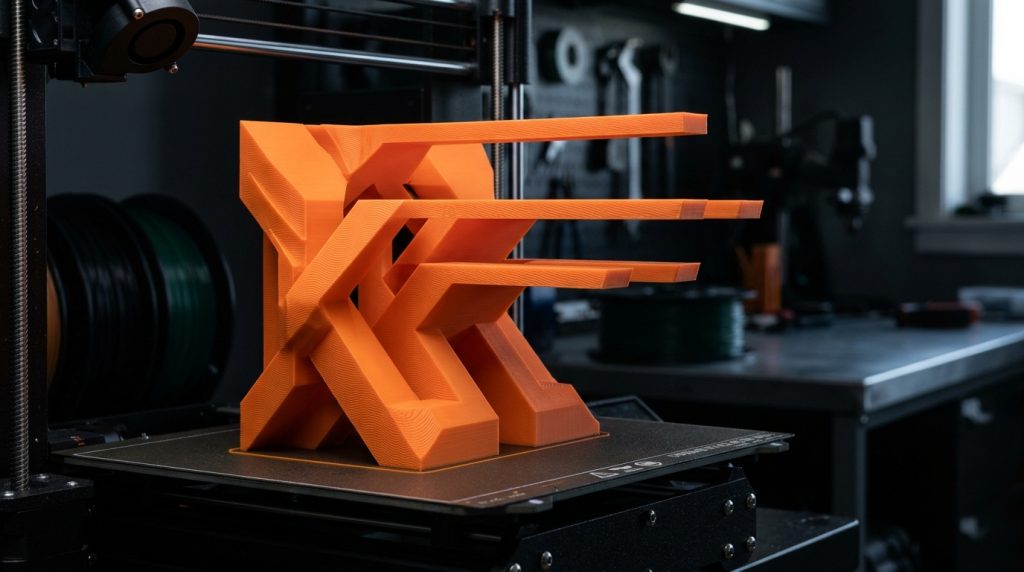
The introduction of WaveOverhangs in OrcaSlicer has shattered this traditional limitation. By fundamentally rethinking toolpath trajectories into non-linear, undulating sinusoidal waves, printers can now produce completely horizontal 90-degree cantilever overhangs floating in mid-air without a single support pillar.
The Physics of Overhang Failure in Traditional Slicers
To understand why WaveOverhangs works, we must analyze why traditional overhang slicing fails. Conventional slicers lay down perimeter lines as continuous, straight linear toolpaths parallel to the edge of the previous layer. When an extruder attempts to bridge into open air at 90 degrees:
- The extruded filament strand has zero underlying vertical support to press against.
- Nozzle surface tension and nozzle dragging drag the molten plastic outward.
- The semi-liquid plastic strand contracts as it cools, curling upward or falling under gravitational pull into a messy birds-nest of filament spaghetti.
How WaveOverhangs Works: Sinusoidal Anchoring
Instead of depositing straight vectors along the void, the WaveOverhangs algorithm generates high-frequency undulating wave patterns perpendicular or diagonal to the cantilever boundary:
- Root Anchoring: Each wave crest starts over existing, solid plastic from the previous layer, establishing a firm mechanical bond.
- Self-Supporting Arches: As the nozzle loops out into the void, the micro-arcs of molten filament cool rapidly in mid-flight under high-velocity part cooling fan airflow.
- Triangular Truss Mechanics: Successive layers lay down alternating wave phases. The overlapping sinusoidal crests form a microscopic structural truss, effectively building a self-supporting cantilever shelf millimetre by millimetre.
Configuring WaveOverhangs in OrcaSlicer
To enable and fine-tune WaveOverhangs in compatible OrcaSlicer releases, follow these optimization guidelines:
| Setting Parameter | Recommended Value | Technical Rationale |
|---|---|---|
| Enable Wave Overhangs | Enabled (Checked) | Activates sinusoidal toolpath generation on critical overhangs |
| Overhang Threshold Angle | 75° to 90° | Prevents wave generation on mild slopes where standard bridging works |
| Wave Amplitude | 0.8 mm – 1.6 mm | Width of the sinusoidal sweep (scales with nozzle diameter) |
| Wave Frequency / Pitch | 1.2 mm – 2.0 mm | Distance between adjacent wave peaks to ensure structural overlap |
| Overhang Print Speed | 15 – 25 mm/s | Slow extrusion allows auxiliary cooling fans to freeze filament in air |
| Part Cooling Fan Speed | 100% (Full Blast) | Instantaneous solidification is non-negotiable for 90-degree success |
Hardware Prerequisites for Flawless Results
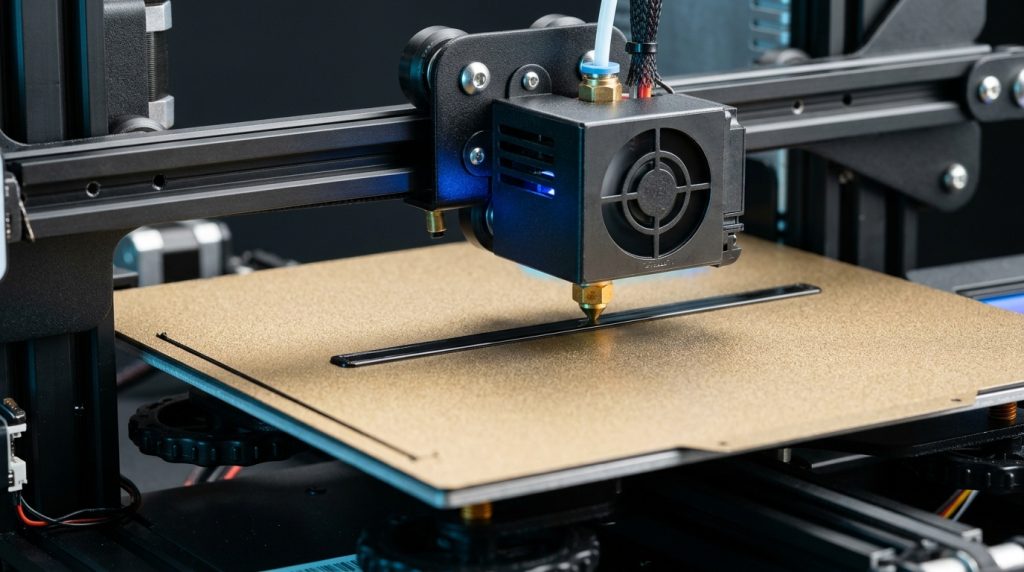
- Aggressive Part Cooling: WaveOverhangs relies heavily on rapid glass transition freezing. Stock single-radial 4010 blowers often struggle. Dual 5015 blower setups or high-volume auxiliary chamber fans provide the air velocity necessary to freeze wave loops in mid-air.
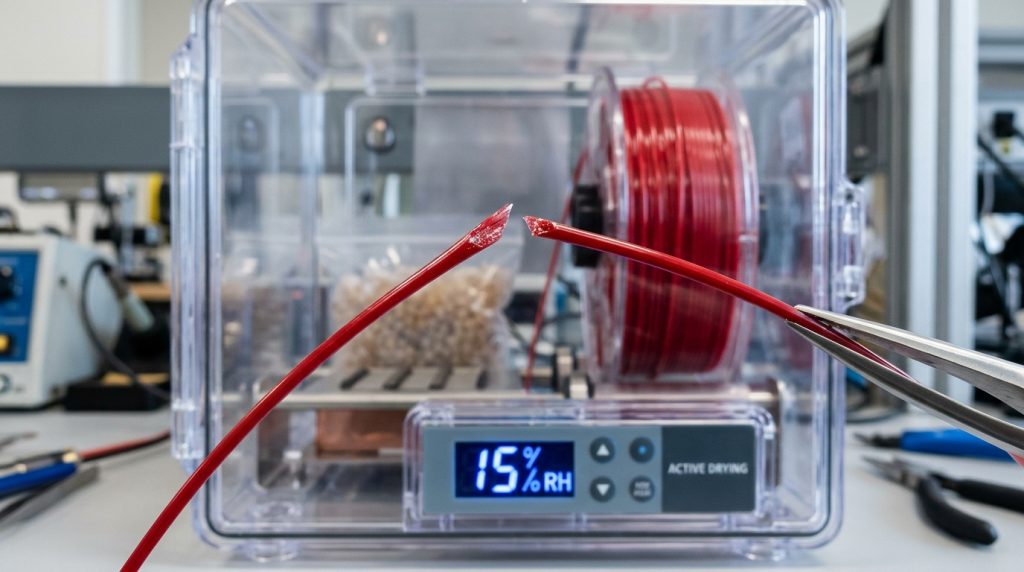
- Filament Selection: Rigid polymers with crisp crystallization characteristics (such as standard PLA and PLA+) excel with WaveOverhangs. Materials with high melt-elasticity or hygroscopic tendencies like wet PETG or TPU will droop significantly.
- Extrusion Temperature: Print at the lower bound of your filament’s operational temperature envelope (e.g., 195°C – 200°C for PLA) to reduce thermal retention in suspended strands.